As much as we'd love technology to work 100% of the time, sometimes it needs a little help with a forced reset. This can be anything from an incorrect mode to a third party app not installing. We've made this easy to do directly from your Pinwheel Settings.
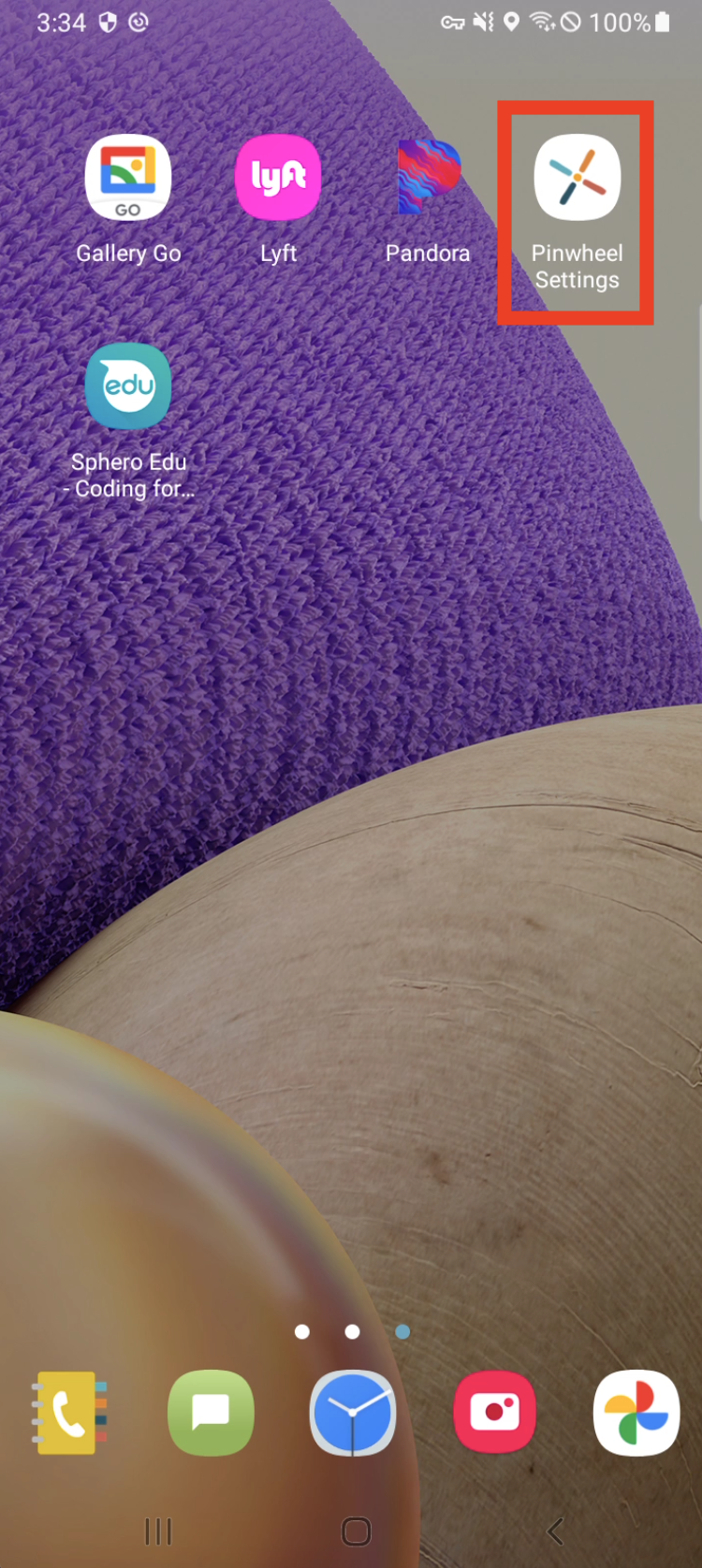
1. Go to your Pinwheel Settings.
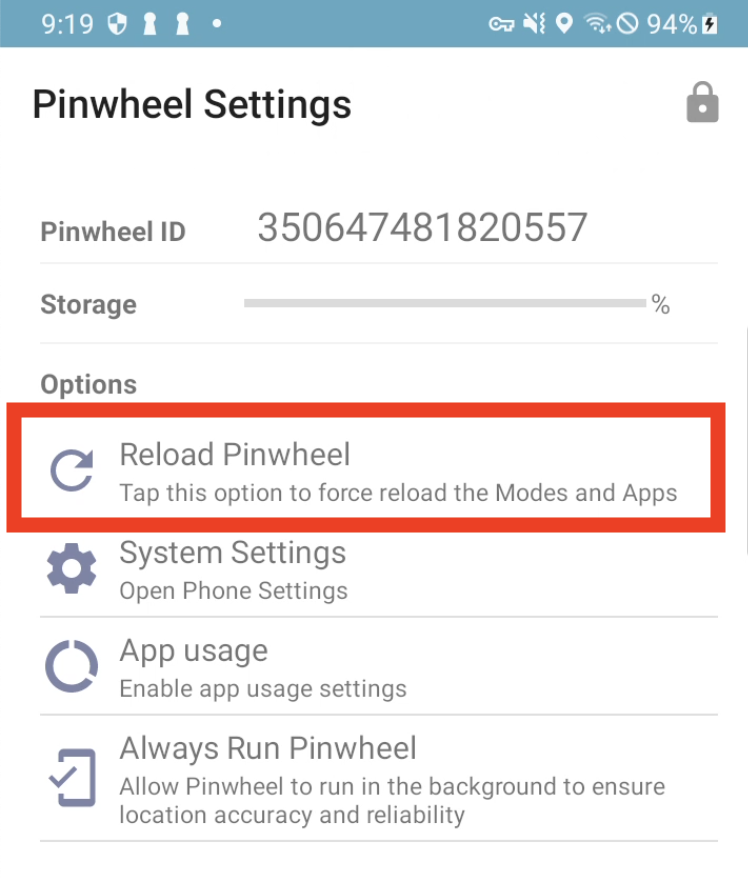
2. Press "Reload Pinwheel".
If you continue to run into issues after resetting the Pinwheel software please reach out to Customer Care here.